Helpers
iOS: Apple Bundle Official Bundle IDs
https://support.apple.com/en-gb/guide/deployment/depece748c41/web
Execute Script
https://appium.io/docs/en/2.0/guides/execute-methods/, NOTE scroll down to the mobile examples for formatting info.
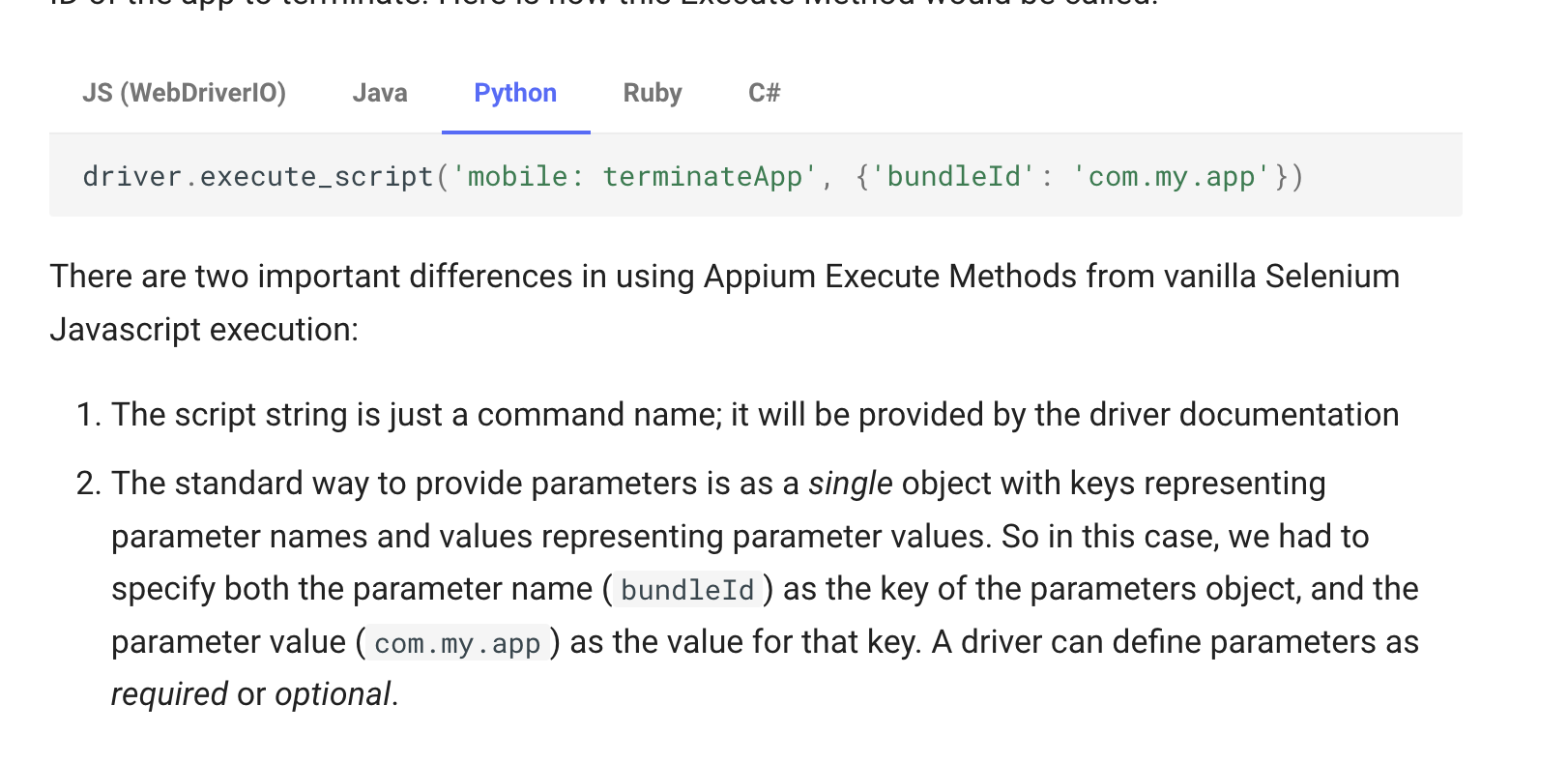
If you send the wrong mobile command or wrong args with the command you should get back a details list of options like so
UnknownCommandError: Unknown mobile command "pressButton". Only shell,execEmuConsoleCommand,dragGesture,flingGesture,doubleClickGesture,longClickGesture,pinchCloseGesture,pinchOpenGesture,swipeGesture,scrollGesture,scrollBackTo,scroll,viewportScreenshot,viewportRect,deepLink,startLogsBroadcast,stopLogsBroadcast,acceptAlert,dismissAlert,batteryInfo,deviceInfo,getDeviceTime,changePermissions,getPermissions,performEditorAction,startScreenStreaming,stopScreenStreaming,getNotifications,listSms,type,sensorSet,deleteFile,clearApp,startActivity,startService,stopService,broadcast,getContexts,installMultipleApks,unlock commands are supported.
Some Examples
https://github.com/search?q=repo%3Asaucelabs-training%2Fdemo-js+mobile%3A&type=code
Press the Home Button
driver.execute_script('mobile:pressButton', {'name': 'home'})
iOS Pressing Buttons by Coordinates
A real world example, finding via Xpath is slow, finding the element then doing some math and tapping it is faster.
// Note MobileBy replaced with AppiumBy
WebElement el = driver.findElement(MobileBy.AccessiblityId("Continue"));
Dimensions dim = el.getSize();
Location loc = el.getLocation();
driver.tap(loc.x + dim.width / 2, loc.y + dim.height / 2, 1000);
Android
https://github.com/appium/io.appium.settings Change wifi, data, animation settings, etc. See README.